For CO₂ and diode lasers
Living-hinge boxes that fold right the first time.
Pick a shape, set your stock and kerf, and watch the box fold together in 3D. Then export kerf-compensated cut files for LightBurn, xTool Creative Space or any software that reads SVG or DXF.
Free to use. No account needed.
- box shapes
- 34
- box shapes
- hinge patterns
- 13
- hinge patterns
- lid styles
- 3
- lid styles
- cut files
- SVG · DXF
- cut files
How it works
From an idea to a cut file in a few minutes
The Studio runs in your browser. Every change regenerates the cut layout and the 3D model together, so what you see is what the laser cuts.
- 01
Shape it
Choose from 34 shapes, from hexagons and hearts to clouds, cats and coffins. Set the outside width, length and height in millimetres and pick 3, 4 or 6 mm stock.
- 02
Fold it
Scrub the fold slider and watch the parts lift off the sheet, the hinge wrap the base and the lid drop in. You see the fit before you burn any wood.
- 03
Cut it
Export one SVG with red cut and blue score layers at 1:1 mm, or a layered DXF. Parts come nested on your sheet size, ready for the laser.
Gallery
Real cut files, not mock-ups
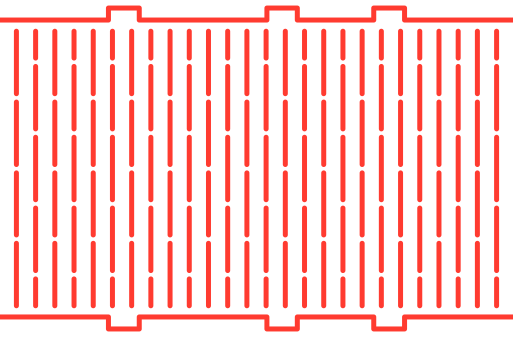
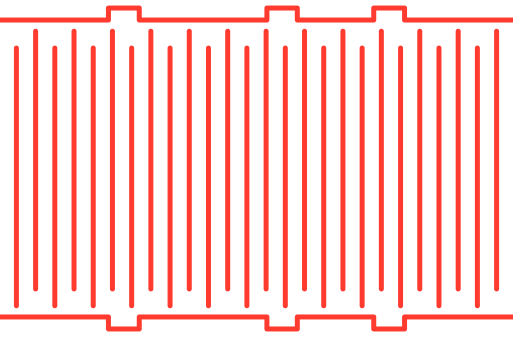
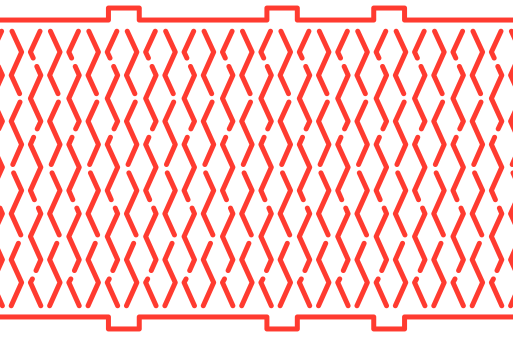
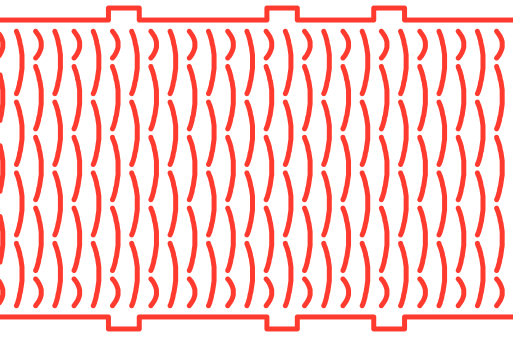
Every outline below was drawn by the same vector engine you use in the Studio, at 80 mm tall on 3 mm stock.
Shapes · base plate
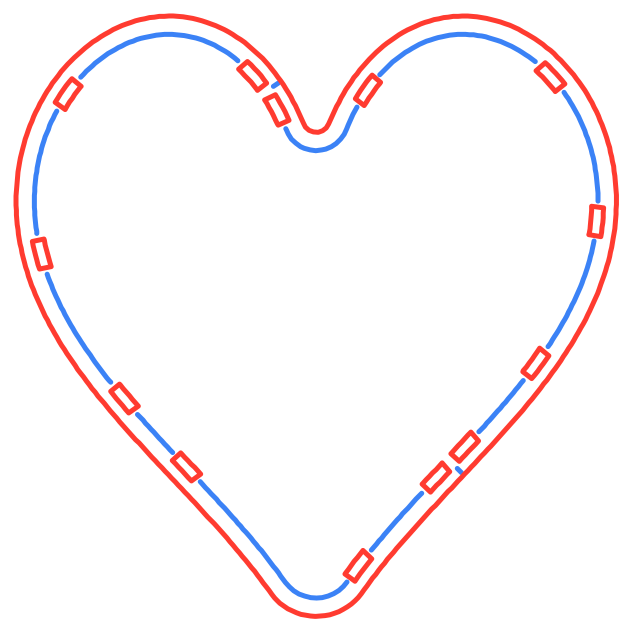
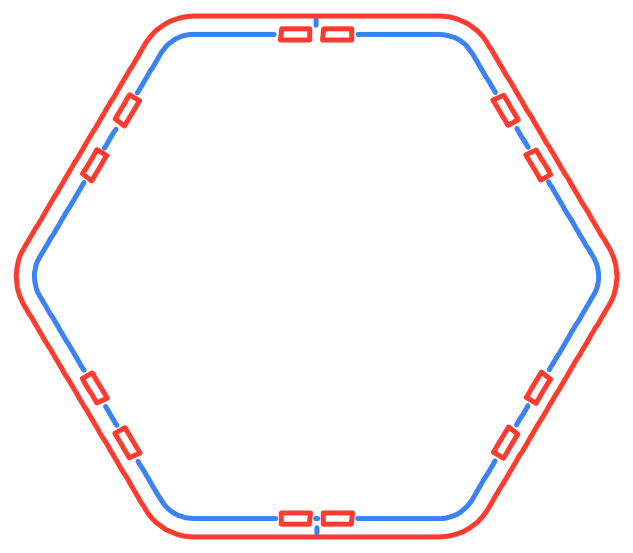
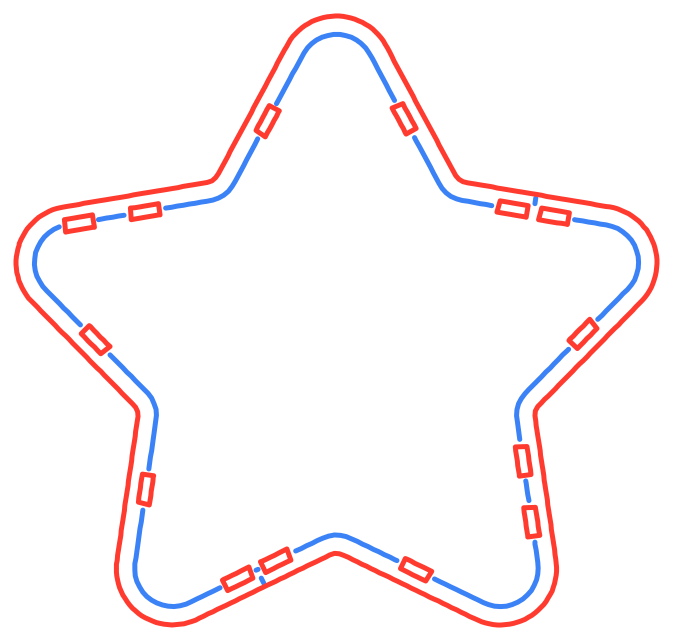
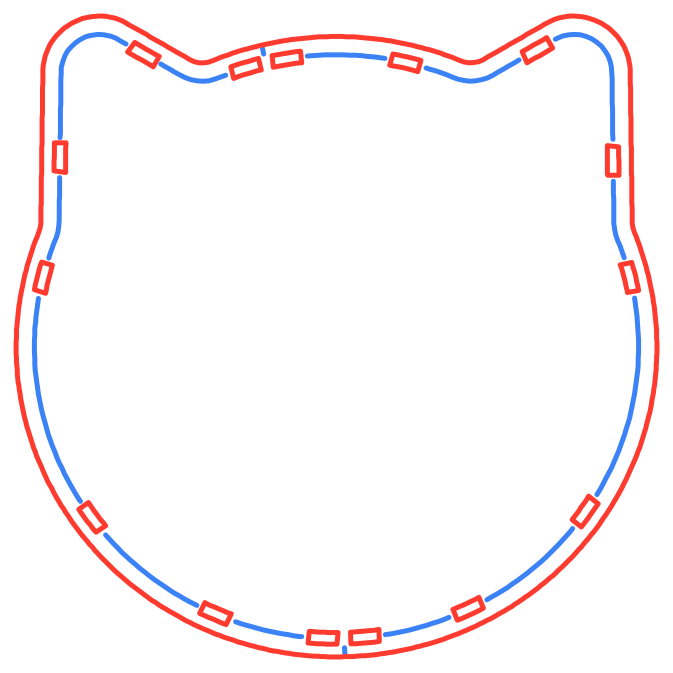
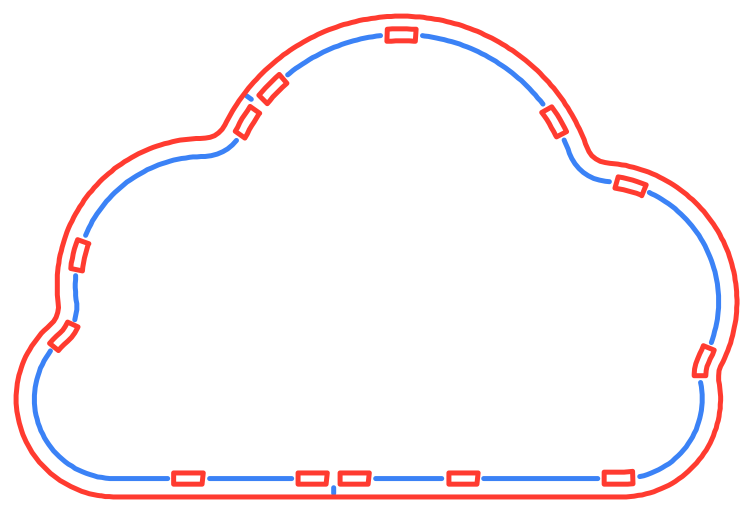
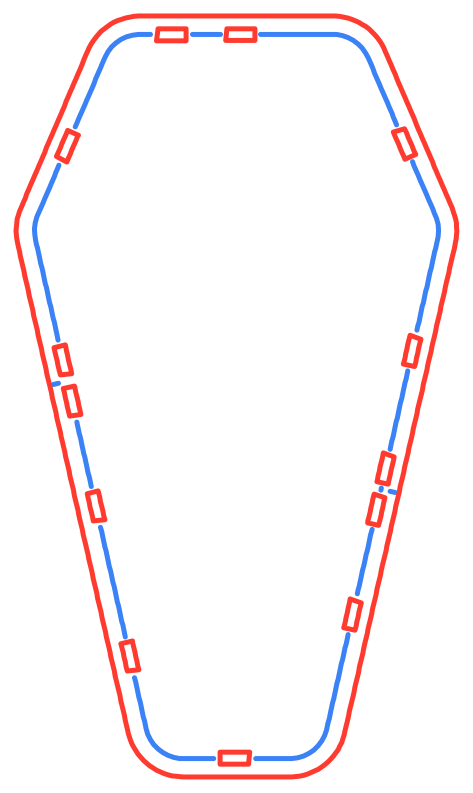
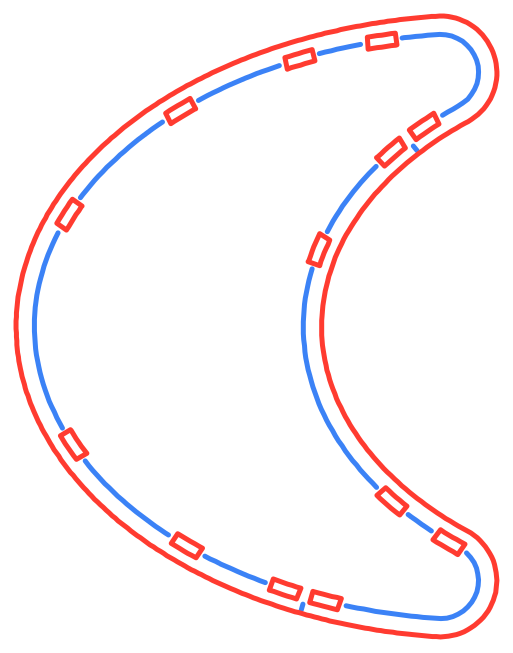
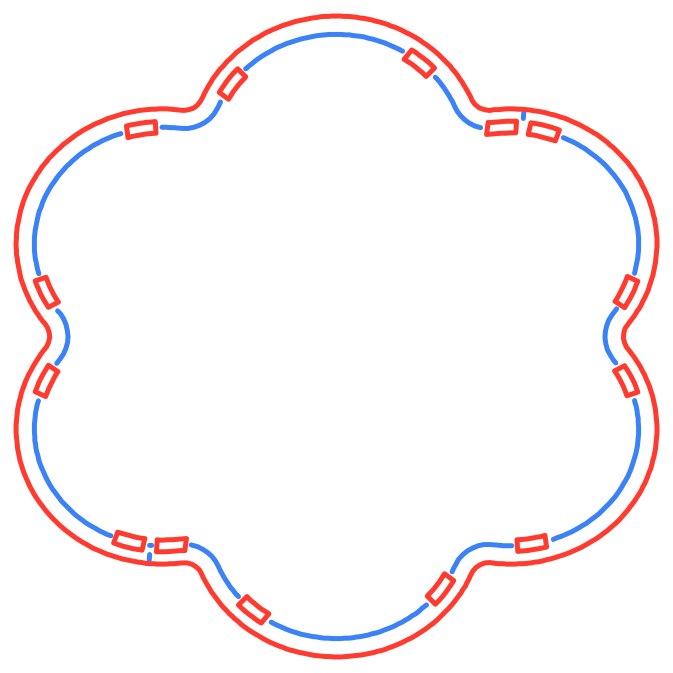
Living hinges · wall strip
Built for the shop
The details that make a hinge box fit
Living hinges are unforgiving. A slot a tenth of a millimetre off, or hinge cuts in the wrong place, and the box cracks or won't close.
Curvature-adaptive hinges
Hinge columns pack tightly where the wall bends hardest and open up on the flats, so tight curves flex and straight faces stay stiff.
Kerf compensation built in
Outer edges and tabs grow by half the kerf; slots and holes shrink by it. Tabs press-fit without sanding. Use the 0.15 mm default or your measured kerf.
Three lid styles
A simple drop-in lid, a snap-lock lid with flexure nubs that click past the rim, or a magnetic lip with seats for 6 mm disc magnets.
Nested for your bed
Parts are packed onto A3, 12 × 20 in, 12 × 12 in, a 400 × 300 ply sheet or the xTool S1 bed. Long walls split at the flattest point.
Clean, layered files
SVG sized in millimetres with one layer per colour, or DXF with CUT, SCORE and BOUNDARY layers and units set to mm.
Checked before you cut
An automated audit runs the export pipeline across 31 reference designs: valid paths, no crossing cuts, everything on the sheet, kerf applied the right way.
Into your laser software
Import, assign power, cut
- 1. Import at 1:1. The SVG is sized in millimetres, so LightBurn and xTool Creative Space place it at real size.
- 2. Map the colours. Each colour arrives as its own layer. Give score a light pass and cut a full-depth pass.
- 3. Score first, then cut. Turn the boundary layer off, run the blue layer, then the red one, so parts don't shift before they are marked.
- Cut#FF0000Cuts all the way through. Run last.
- Score#0000FFLight pass for fold and seam marks. Run first.
- Boundary#000000Your sheet outline. Set to no output.
Pricing
Free to design. Pay when you cut Pro designs.
Try every shape and hinge in 3D for free. Upgrade when you want to cut the Pro shapes and hinges, or need a custom kerf or DXF.
Free
Design anything. Cut the starter shapes.
- Full 3D preview of all 34 shapes and 13 hinges
- Export the Rounded Box, Curved Cylinder and Hexagon
- Straight Lattice and Interlocking Hex hinges, every lid and sheet size
- SVG export at the default 0.15 mm kerf
Pro Monthly
For a single project. Cancel anytime.
- Everything in Free, plus:
- All 34 box shapes: hearts, stars, gems, animals and more
- All 13 living-hinge patterns
- Kerf optimization for your exact laser
- DXF export alongside SVG
Pro Yearly
About $4.92 a month. Save 45%.
- Everything in Free, plus:
- All 34 box shapes: hearts, stars, gems, animals and more
- All 13 living-hinge patterns
- Kerf optimization for your exact laser
- DXF export alongside SVG
Pro Lifetime
Pay once. No subscription.
- Everything in Free, plus:
- All 34 box shapes: hearts, stars, gems, animals and more
- All 13 living-hinge patterns
- Kerf optimization for your exact laser
- DXF export alongside SVG
Compare plans in detail · Prices in USD. Sales tax or VAT may apply at checkout.
FAQ
Questions, answered
Which lasers and software does it work with?
Anything that imports SVG or DXF at 1:1 in millimetres. That includes LightBurn, xTool Creative Space, Inkscape and most CO₂ and diode laser software. Sheet presets include common ply sizes and the xTool S1 bed.
What material should I use?
Flat sheet stock in 3, 4 or 6 mm, such as plywood or MDF. Thinner stock bends to tighter curves. The hinge spacing and minimum bend radius adapt to the thickness you pick.
How do I find my kerf?
Cut a 20 mm square and measure it with calipers. Your kerf is 20 minus the measured width. Diode lasers are typically 0.08–0.15 mm and CO₂ lasers 0.15–0.25 mm. The free tier uses 0.15 mm; entering your own value is part of Pro.
What is free, and what needs Pro?
The 3D preview of every shape and hinge is free, and so is exporting the Rounded Box, Curved Cylinder and Hexagon with Straight Lattice and Interlocking Hex hinges, as SVG at the default kerf. Pro unlocks all 34 shapes and 13 hinge patterns, custom kerf and DXF export. See pricing.
Do I need an account?
No. Pro is unlocked in your browser with a secure cookie. To use Pro on another device, open the Studio, choose Go Pro and paste the license key from your receipt.
Can I cancel a subscription?
Yes. Cancel Pro Monthly or Pro Yearly anytime from the link in your Lemon Squeezy receipt, and Pro stays on until the end of the period you have paid for. Pro Lifetime is a single payment with nothing to cancel. See the refund policy for details.
Your first box is free
Design a rounded box, a round box or a hexagon, fold it in 3D and download the SVG. No sign-up, no card.
Open the Studio